
When the take has a webcam, the editor has a Camera tab and your face shows in a bubble over the screen. The webcam is recorded apart from the screen, so the bubble can be moved, resized or hidden after you record.
The Camera tab
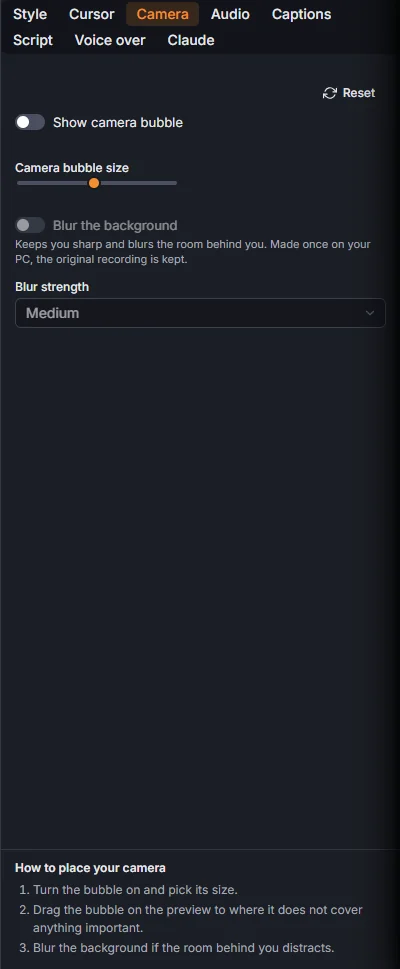
- Show camera bubble turns it on and off for this take.
- Camera bubble size.
- Drag the bubble on the preview to put it where it covers nothing important.
- Blur the background keeps you sharp and blurs the room behind you, with Blur strength Light, Medium or Strong. It is made once on your PC; the original recording is kept.
The bubble keeps its place when the view zooms in.
Your face full screen
A Face scene grows the bubble to fill the whole video for a stretch, wide, medium or close-up. See Scenes.