
A Short is a new take in the same project, made from a stretch of a take. It shares the recording with it, so it usually takes no extra disk, and it keeps the cuts, zooms, texts, scenes, voice over and captions of that stretch.
Make a Short
- Mark the stretch: I where it starts and O where it ends, or Shift+drag on the ruler. Clear the stretch clears it.
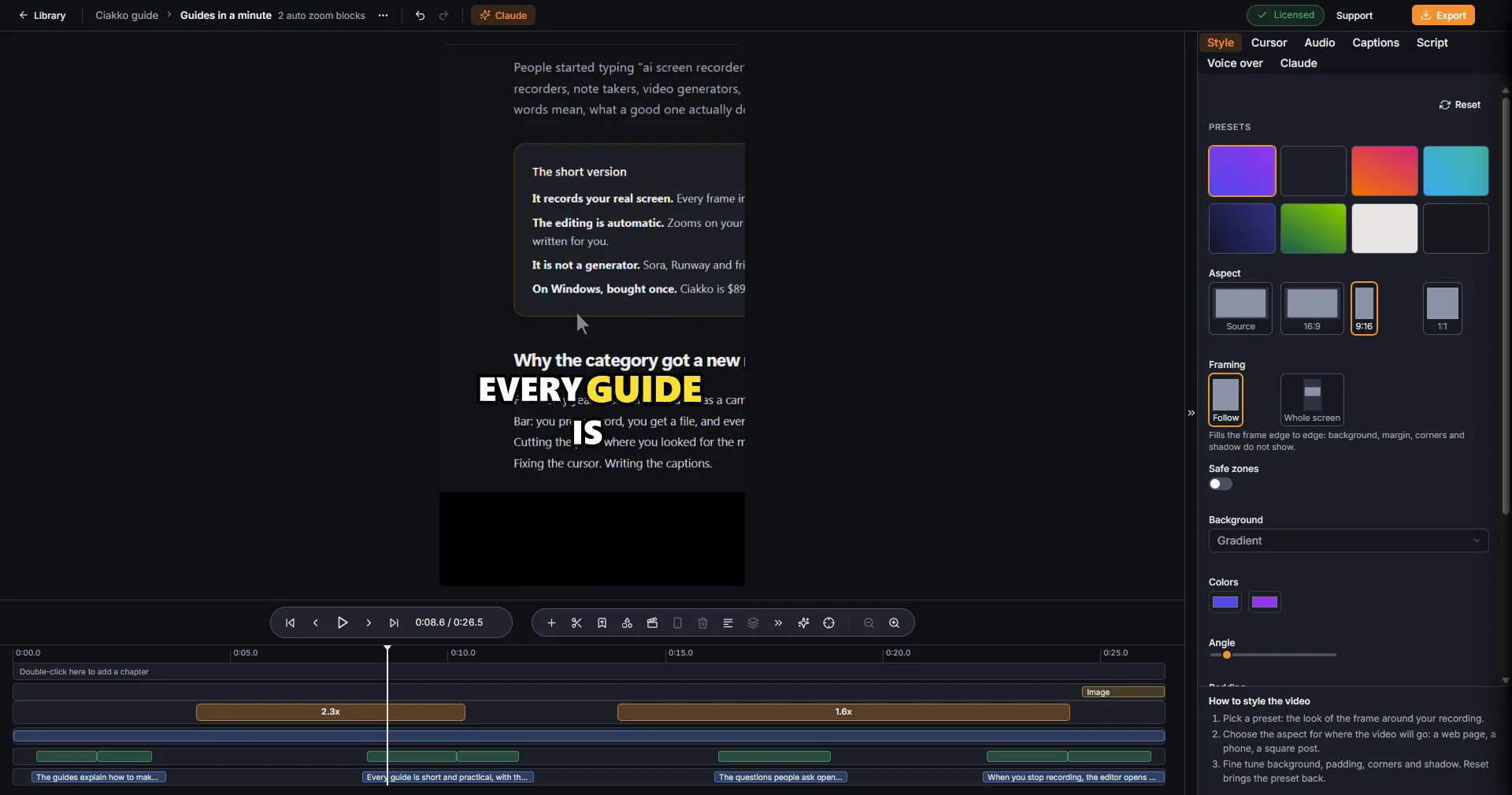
- Create Short in the timeline toolbar. The Short opens in the editor, already 9:16.
- In Style, choose the Framing and turn on Safe zones; in Captions, the style Short: few big words.
YouTube makes a vertical video a Short when it lasts 3 minutes or less: the toolbar warns when the stretch is longer.
The Shorts of a project are listed in the Library under Shorts, apart from the takes. Export a Short like any take.
For a website, the Ciakko browser can also record the same steps again directly in 9:16.