
Nothing you cut is lost: the recording stays whole and a cut part can be put back.
Cut a part
- Move the playhead where the part starts and press Split (S).
- Move to where it ends and press Split again.
- Click the piece in the clip lane and press Delete (Del).
The pieces close up and the sound joins without a click. Ctrl+Z puts a cut part back; a part cut from the Script comes back with Restore.
Faster or slower
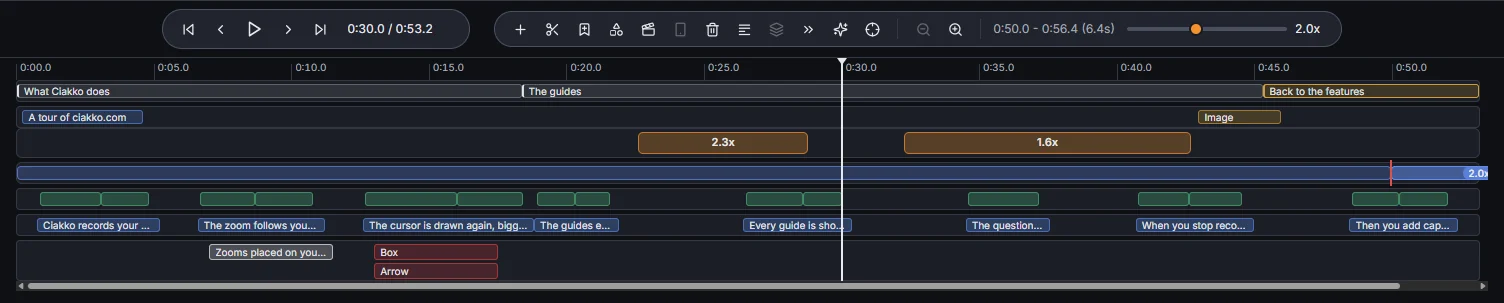
Select a clip: the Clip speed slider in the timeline toolbar plays it from 0.5x to 4x. The voice keeps its pitch up to 2x; above 2x the clip plays silent (Audio off above 2x).
Speed up idle time
Speed up idle time in the timeline toolbar finds the stretches with no click, no typing, no speech and no voice over line, and plays them at 3x. The waiting for a page to load goes by quickly, the rest stays at normal speed.
Times do not move
Zooms, texts, captions, scenes and voice over lines are tied to the moment of the recording, not to the clock of the edited video: cutting or speeding up a part before them never moves them off what they belong to.