
The recording sits on a background, with a margin, rounded corners and a shadow. The video can keep the recording's own shape or become 16:9, vertical 9:16 or square.
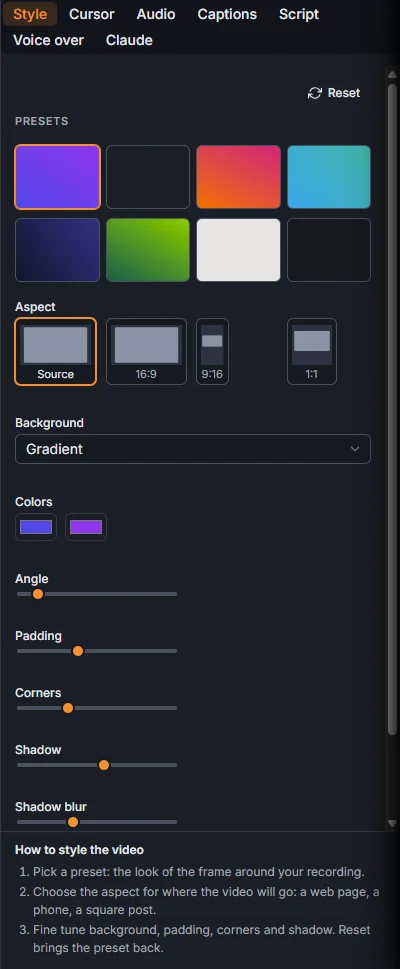
Presets
Tab Style, Presets: Default, Graphite, Sunset, Ocean, Midnight, Forest, Paper and Full frame (no background, the recording fills the video). A preset sets everything below; you can then change any part of it.
Format
Aspect: Source keeps the recording's shape, 16:9 for YouTube and web pages, 9:16 for Shorts, Reels and TikTok, 1:1 for a square post. The change is live: the same take can be exported in every format.
Framing a narrow format
When the format is narrower than the recording, like 9:16 from a wide screen, Framing says how it fits:
- Follow: the recording fills the height and the view moves to follow the action.
- Whole screen: the whole recording sits on the background, and each zoom dives in.
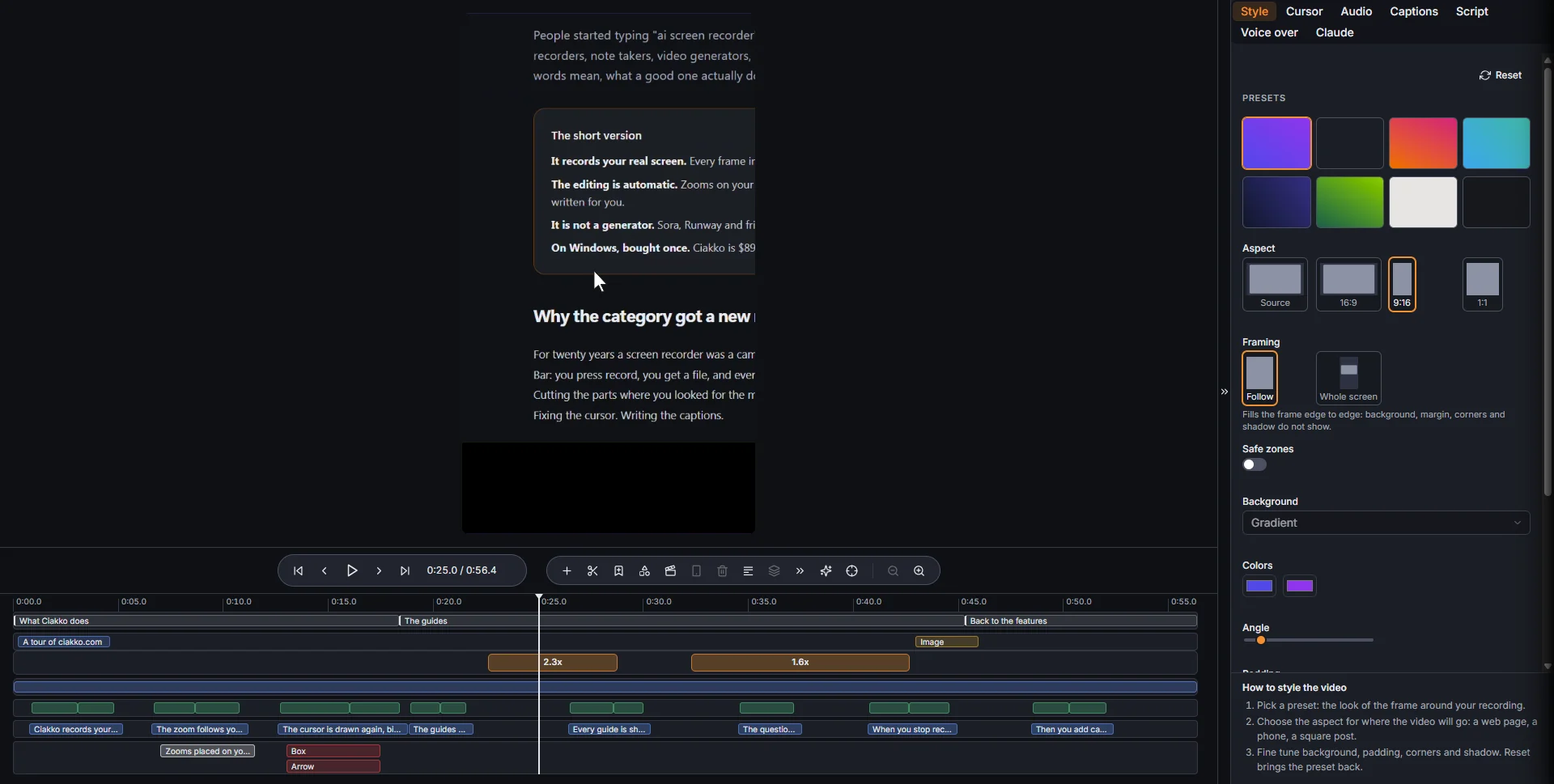
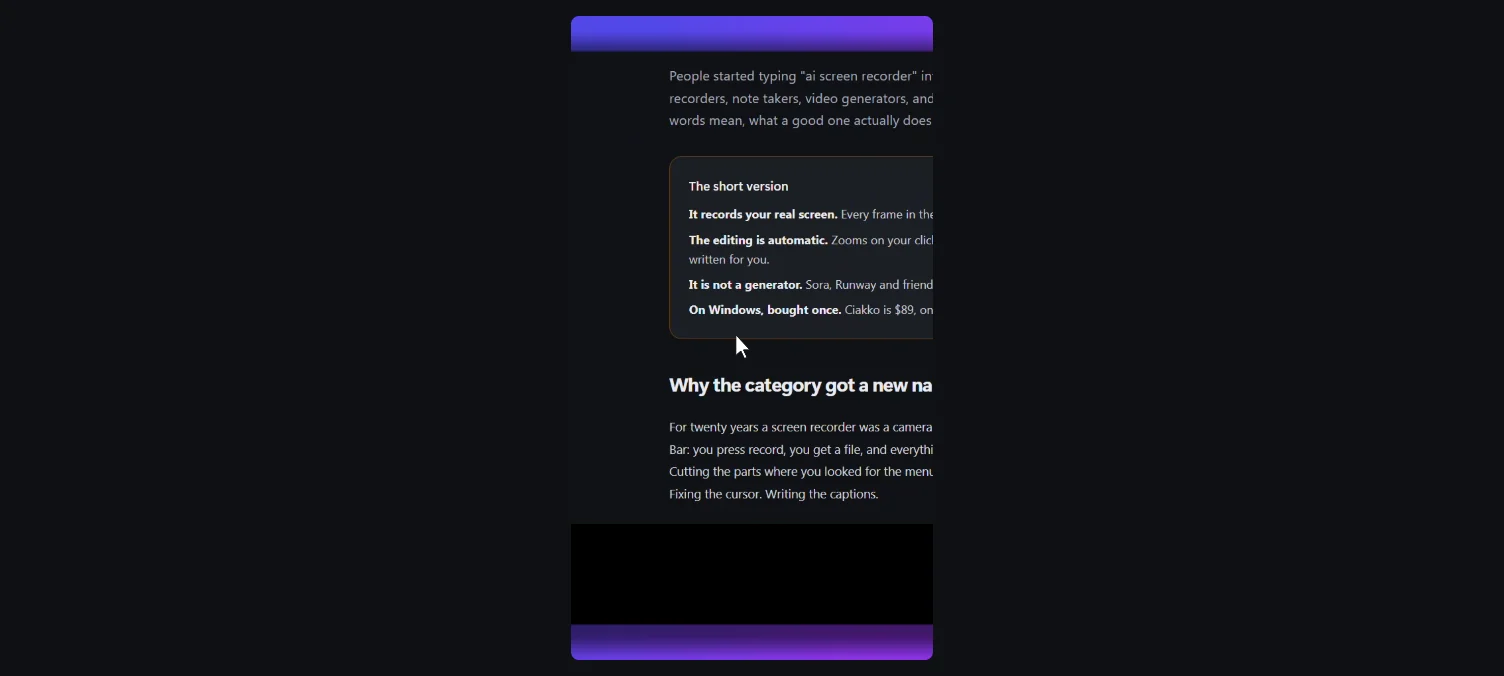
Safe zones shows on the preview where the phone apps put their buttons and titles. Captions, cards and texts stay inside them.
Background and frame
- Background: Solid or Gradient, with its Colors and the Angle of the gradient.
- Padding: the margin around the recording.
- Corners: how round they are.
- Shadow, Shadow blur and Shadow offset.
Reset brings the preset back.