
The license
The license is bought once and kept forever. It includes 12 months of updates and covers up to 3 computers. At the top of the editor a chip shows the state: the days left in the trial, Licensed, or what is missing.
- Buy Ciakko opens the payment page in your browser. Ciakko activates by itself when the payment arrives; I have paid checks at once.
- Device limit reached: the license is in use on 3 computers already. Manage devices frees one. A computer you have not used for a while stops counting by itself.
Updates
Ciakko checks for a new version when it starts and every half hour. Installed from the Microsoft Store, it updates through the Store. Installed with the installer, it asks before downloading, checks the file and installs it. To check at once, the Ciakko icon next to the clock, Check for updates: it says whether you already have the latest version.
When an update is required, Ciakko says so and waits for it before recording and exporting. After the 12 months of updates, the version you have keeps working.
Language
The Ciakko icon next to the clock, Language: English or Italian. The windows open again in the new language.
Report a problem
Support in the editor, or Report a problem on the Ciakko icon: describe what happened and send. Above the form, User guide and Troubleshooting open this guide, where many answers already are. With the diagnostics on, the report carries the app's logs and a description of your PC's hardware, which help us find the cause. It contains no video, no audio and no captions.
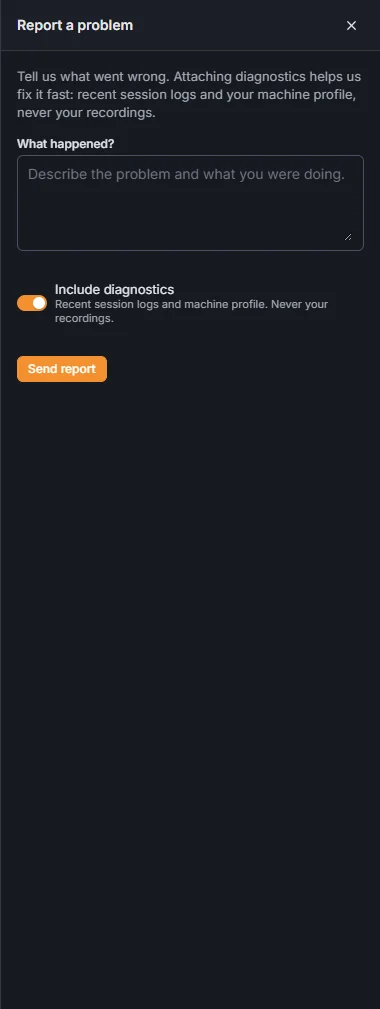
The report keeps going even if you close the window.