

Move the playhead, press Add annotation in the timeline toolbar and pick Text, Arrow or Box. It starts at the playhead.
Texts
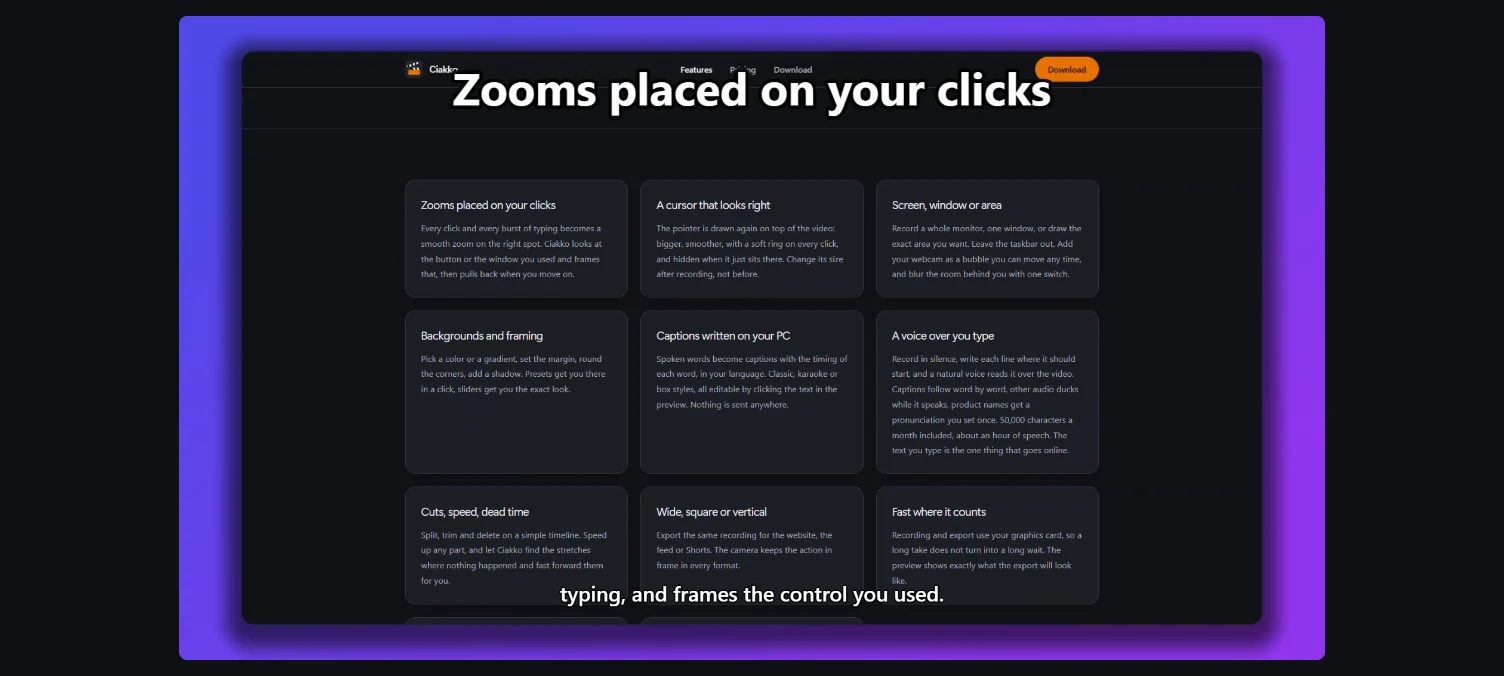
Select the text: write its words in the toolbar, choose Title or Label, and one of the colors. Drag it on the preview to place it, and drag its edges on the timeline for how long it shows. Three lines at most.

Arrows and boxes
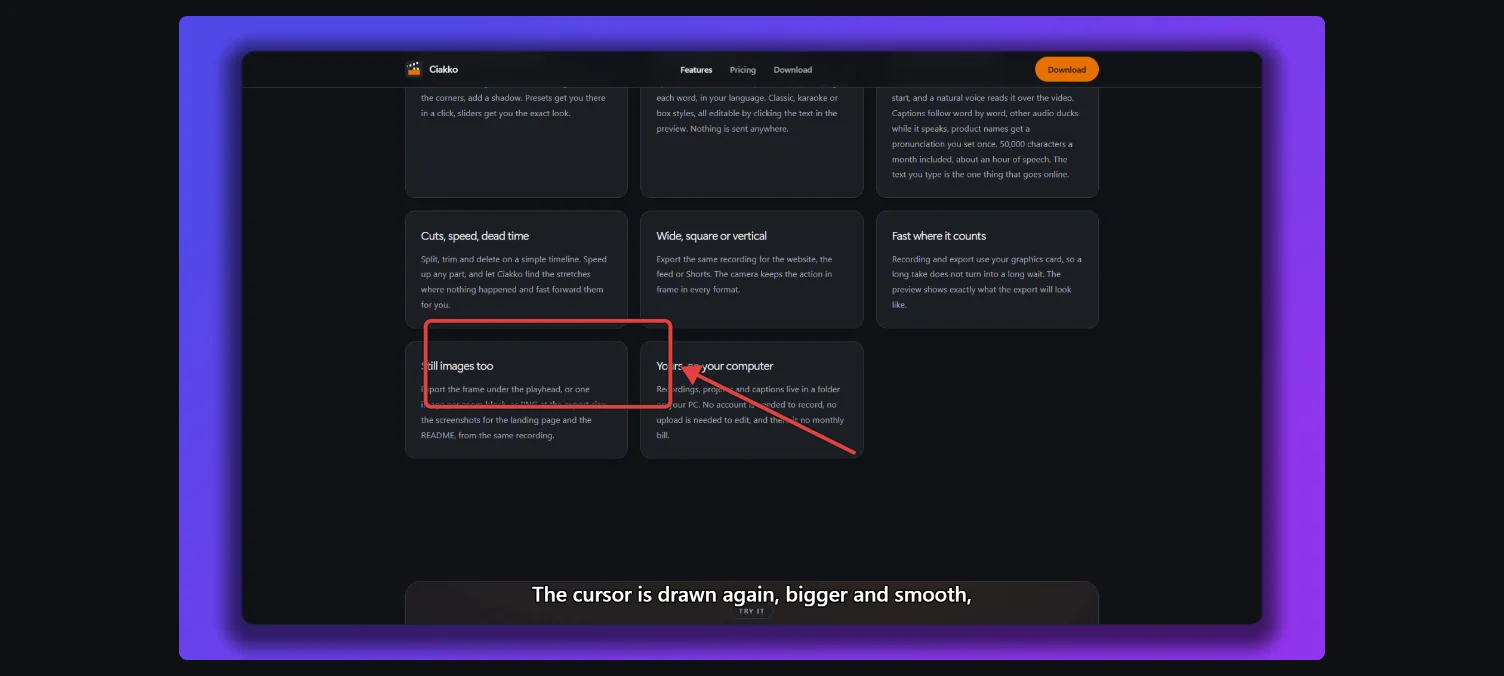
Drag the ends of an arrow, or the corners of a box, on the preview. They are tied to the recording, so they stay on their target when the view zooms in. At most four arrows and boxes show at the same time.
Every annotation fades in and out. Del removes the selected one.