
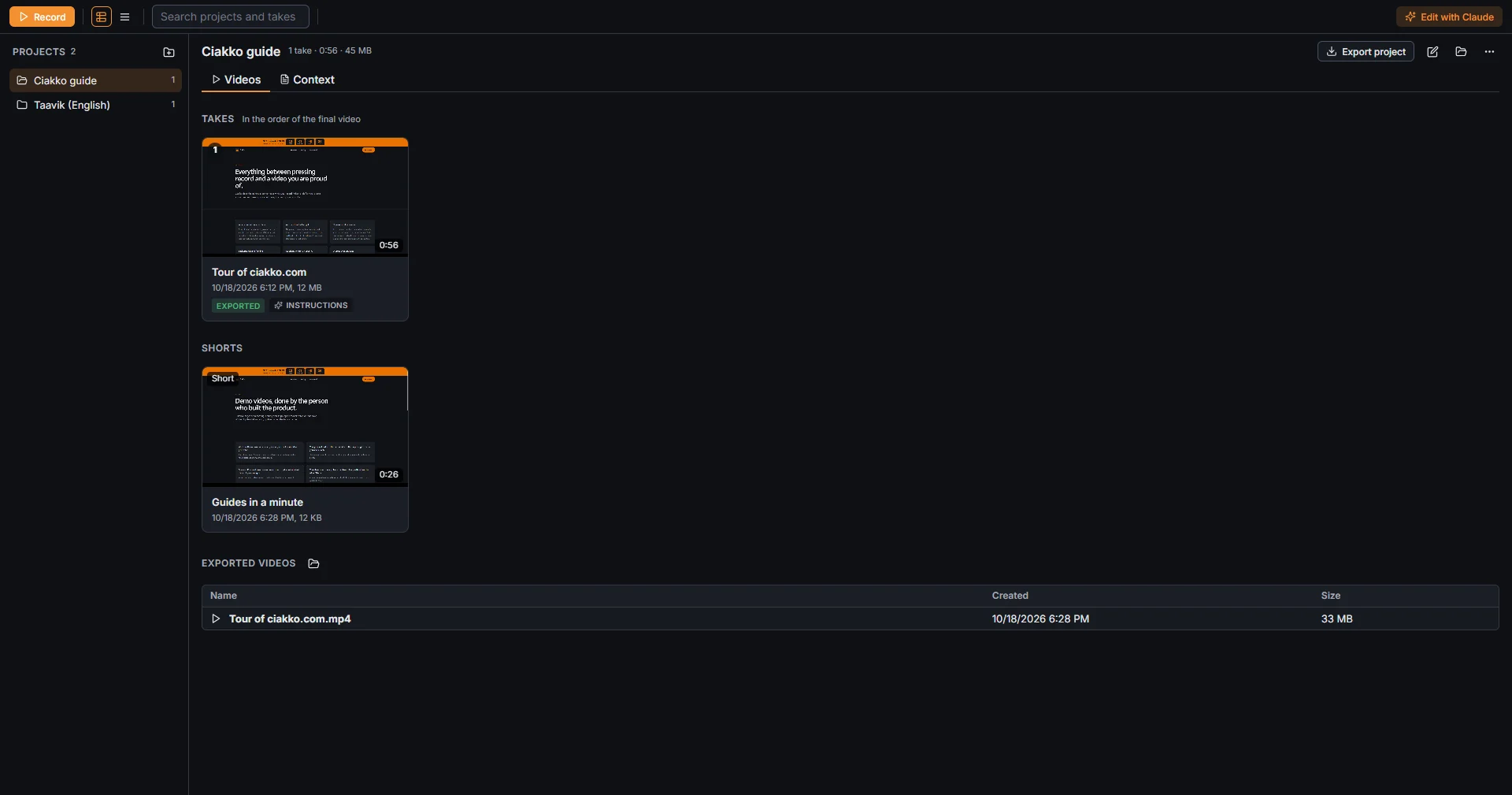
A project holds the takes of one video, in the order of the final video, plus its Shorts and its exported videos.
Open it
From the Ciakko icon next to the clock, Library; from the editor, Library at the top left. Projects are on the left, the chosen project on the right with the tabs Videos and Context. Guide, at the top right, opens this guide in your browser.
Projects
- New project (the folder button next to Projects) creates one.
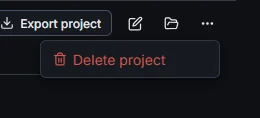
- Double-click a project's title, or press the pencil next to Export project, to rename it. The folder next to it opens the project in File Explorer, and Project actions (the three dots) has Delete project.
- Export project joins all its takes, in this order, into one video. See Export.
Takes
Click a take to select it, double-click to open it in the editor. Ctrl and Shift select more than one.
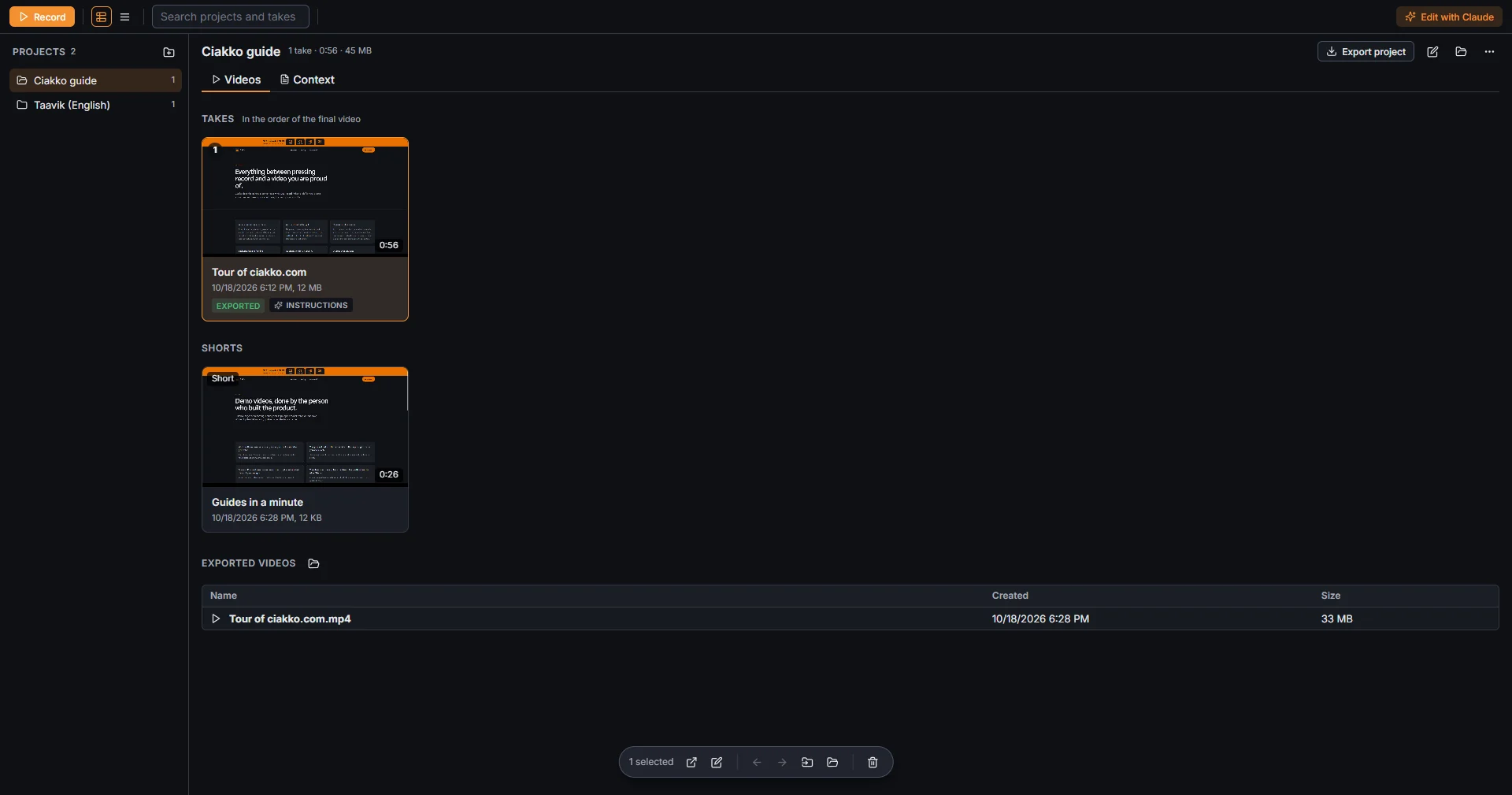
With a take selected, the bar at the bottom has Open, Rename, Earlier in the video (Alt+Left), Later in the video (Alt+Right), Move to project, Show in folder and Delete. A take dragged onto a project on the left moves there.
Badges on a take: Exported when its last export is current, Changed after the export when you edited it after exporting, Instructions when it has instructions for Claude.
Views and search
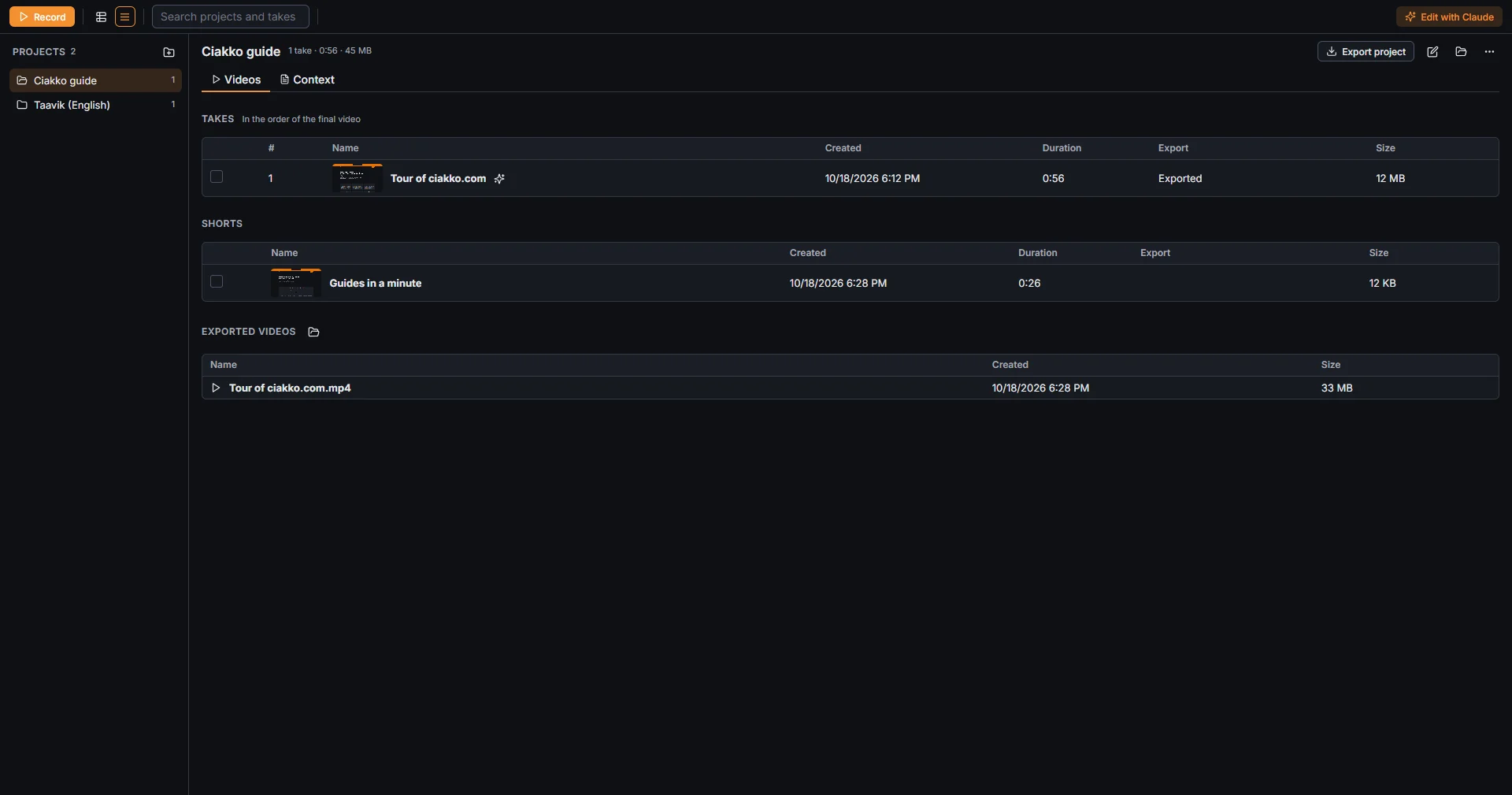
Grid view and Details view, at the top left, switch between big pictures and a table. Search projects and takes finds both by name.
Delete
Deleting a take or a project from the Library asks first, then deletes it for good. When Claude deletes something, it goes to the Windows Recycle Bin instead.
Where the files are
Every project is a folder in your Videos folder, under Ciakko. A take is a folder of its own inside it, with the recording and the edits; the exported videos go into the project's Export folder unless you choose another place. Show in folder opens it in File Explorer.