
Captions are written from what was said, by a speech model (Whisper) that runs on your PC: nothing leaves it. A take with a voice over can have captions laid on the generated voice instead, with no model at all.
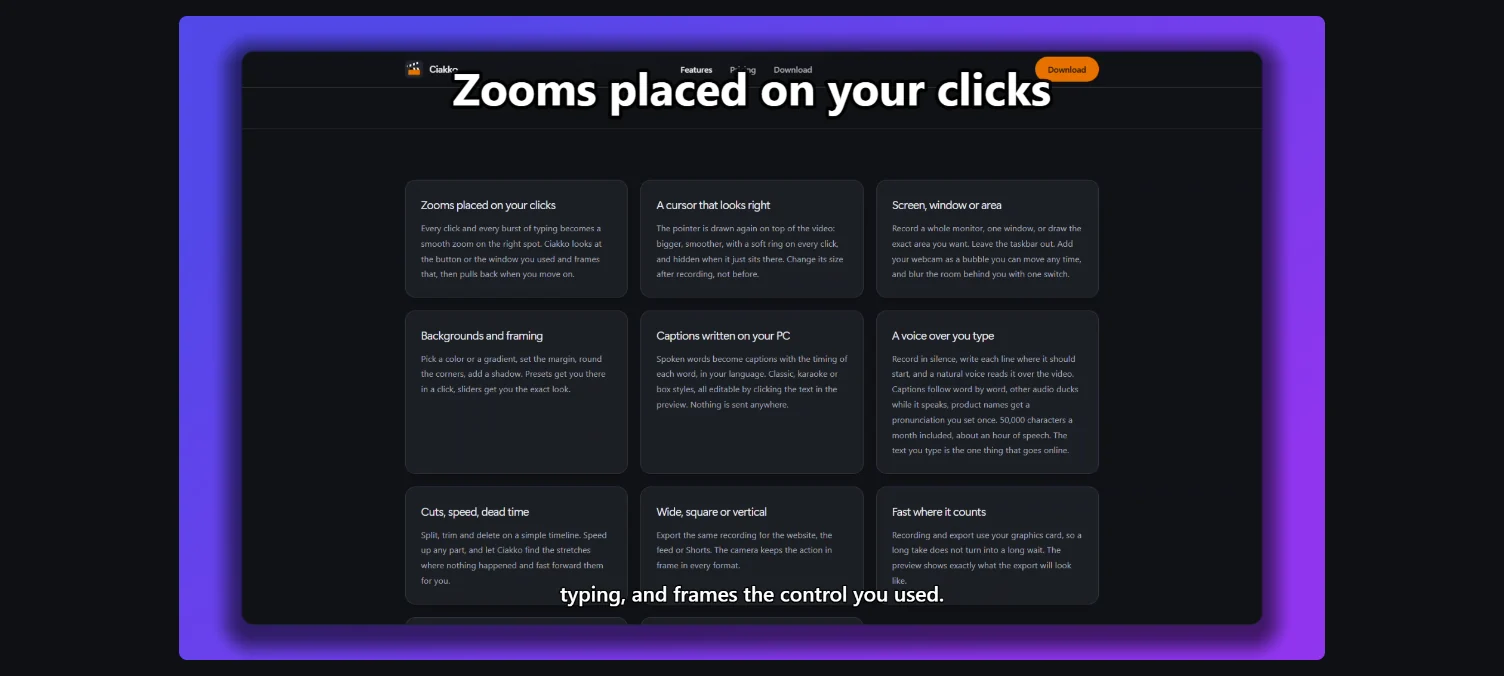
Write the captions
Tab Captions.
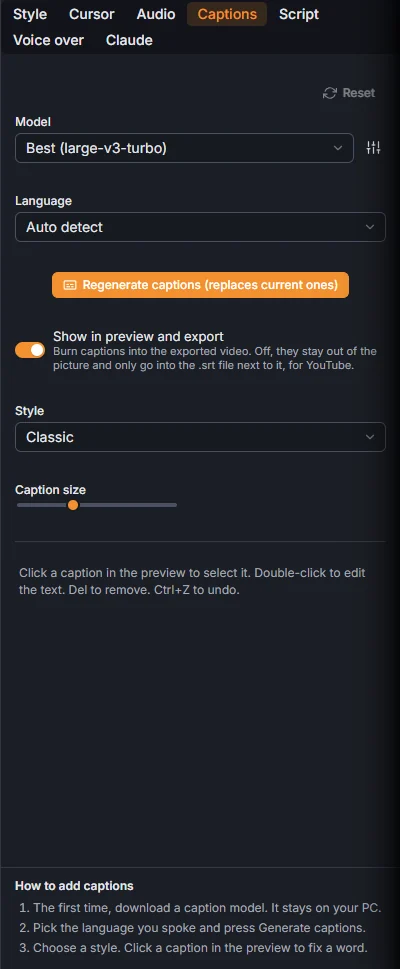
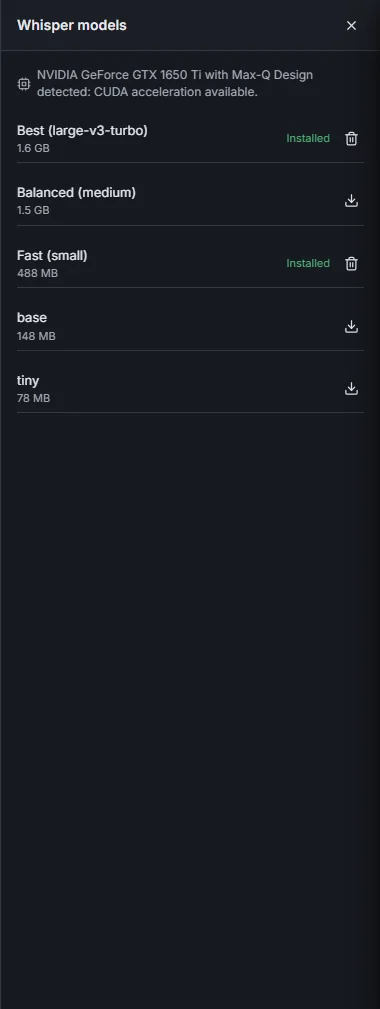
- The first time, pick a Quality: Fast, Balanced or Best. Ciakko picks the model that fits your PC; press Download model once. With an NVIDIA graphics card the writing is much faster.
- Language: the language you spoke, or Auto detect.
- Generate captions. Later the same button reads Regenerate captions (replaces current ones).
Manage models lists the models on your PC, to download another one or delete one.
From the voice over: tab Voice over, Create captions. Those captions follow the voice word by word and move with their line.
In the picture or only in the file
Show in preview and export on, the captions are drawn into the video. Off, they stay out of the picture. Either way the export writes a .srt file next to the video, the kind YouTube reads.
Styles
Style: Classic, Karaoke (word highlight), Pill, Box (word background), Gradient and Short: few big words. Then Highlight (the color of the spoken word), Word pop, Sentence line (the Short style), Gradient colors and Caption size.
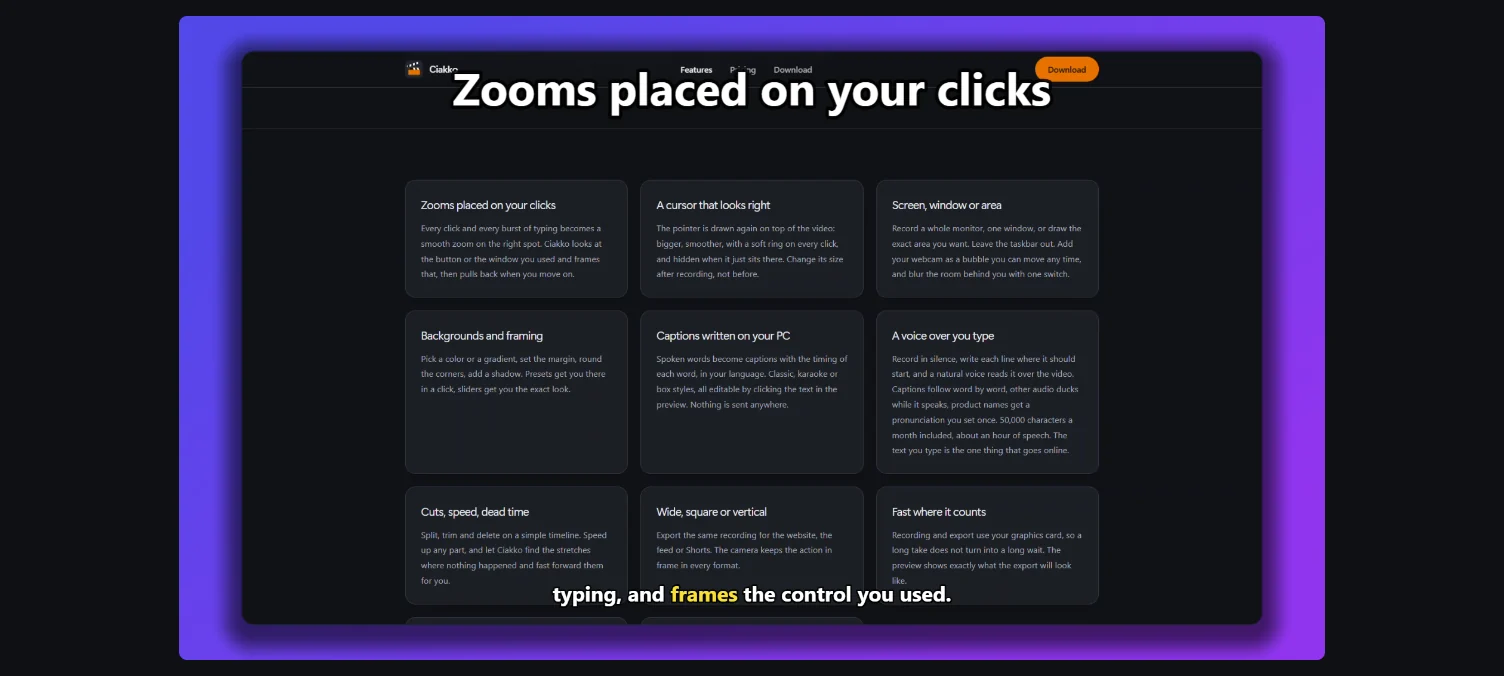
Change a caption
Click a caption in the preview to select it, double-click to change its words, Del to remove it. Drag it to move it, drag its sides to make it wider or narrower. Ctrl+Z undoes.
What runs on your PC, how fast it is with and without an NVIDIA card: Auto captions offline on Windows